
Menu
Microbots
0
  • Faire
    • Commencer
    • Constructions de créateurs
    • Éducation
  • Boutique
    • ProtoBot
    • Modules Maker
    • Outils et engrenages
    • Robots et écrans
  • À propos
    • Notre histoire
    • Tendez la main
    • FAQ
  • Connexion
  • français
  • Votre panier est vide
Microbots
  • Faire
    • Commencer
    • Constructions de créateurs
    • Éducation
  • Boutique
    • ProtoBot
    • Modules Maker
    • Outils et engrenages
    • Robots et écrans
  • À propos
    • Notre histoire
    • Tendez la main
    • FAQ
  • Langue

  • 0 0

CodeCell: Re-Boot

CodeCell boot mode

CodeCell is designed to stay compact, which means it doesn’t include physical RST or BOOT buttons like larger ESP32 development boards. Instead, the board automatically enters boot mode whenever you upload new code through the Arduino IDE.

Why There’s No BOOT Button

In most ESP32 boards, the BOOT button is used to place the microcontroller into programming mode. On CodeCell, this process is handled automatically through the USB interface, saving valuable board space and keeping the design as small as possible.

When You Might Need Manual Boot Mode

If the CodeCell gets stuck in a reset loop or fails to connect during firmware upload, you can manually enter boot mode to recover and re-flash the board.

How to Manually Enter Boot Mode

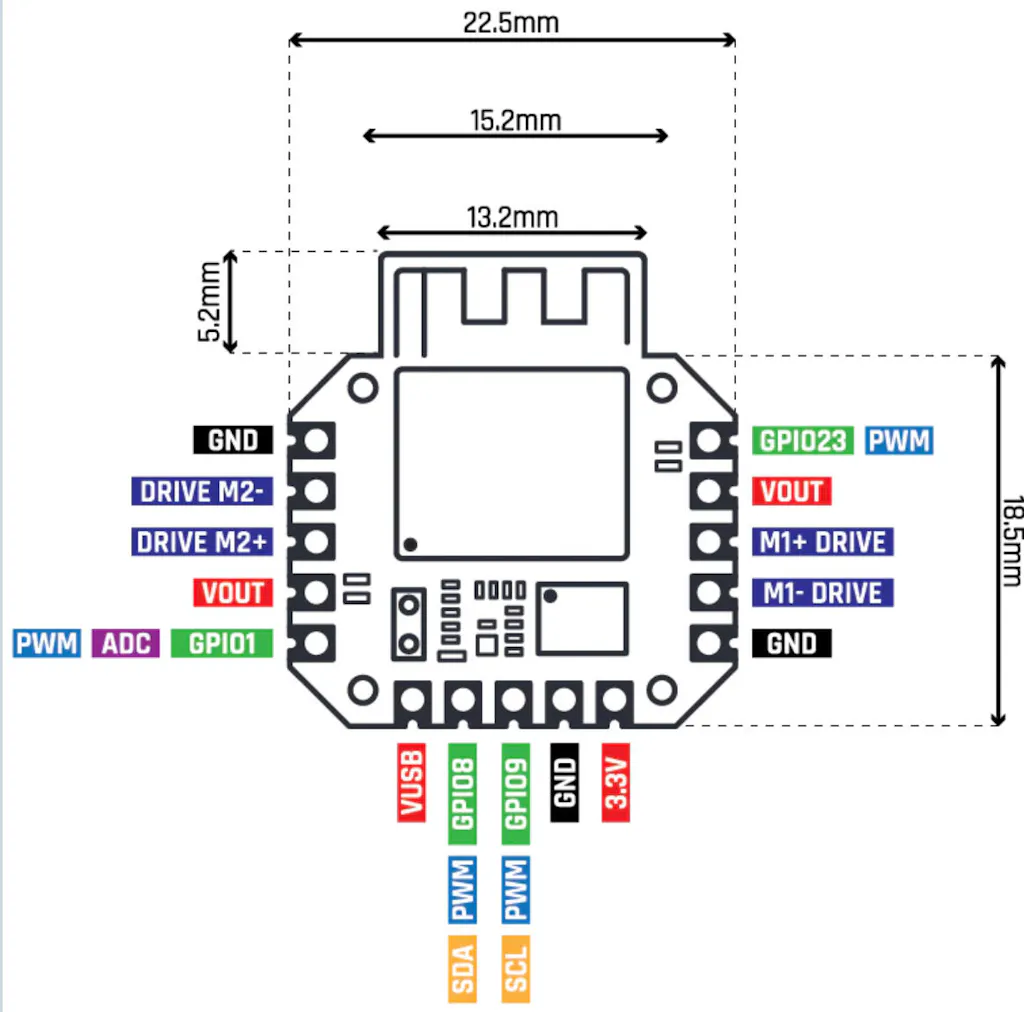
  1. Connect a wire between the SCL pin and GND pin.
  2. Unplug the USB-C cable and turn off the battery (if connected).
  3. Reconnect the USB-C cable to your computer.
  4. Re-upload your firmware from the Arduino IDE.
  5. Once the upload is complete, remove the wire between SCL and GND and restore power.

After Recovery

  • The CodeCell should restart normally and run your new sketch.
  • If it still doesn’t respond, check your USB cable and Tools > Port settings.
  • Re-enable USB_CDC_On_Boot in Tools if Serial Monitor isn’t working.

Once reflashed successfully, CodeCell will continue to enter boot mode automatically during uploads, no manual steps needed.

  • Partager:

Partage

Github

  • À propos
  • Logiciel
  • Éducation
  • Contact
  • FAQ
  • Termes
  • Politique de remboursement
  • politique de confidentialité

Soyez le premier informé des nouveaux projets et bénéficiez d'offres intéressantes !

© 2026 Microbots.

★ Reviews

Let customers speak for us

67 reviews
Write a review
85%
(57)
6%
(4)
1%
(1)
3%
(2)
4%
(3)
62
21
C
CodeCell C3
Cloke74

Great piece of kit, had just what i needed to complete the project i had in mind. Shame shipping to the UK is so expensive, but appreciate this isn’t necessarily in the hands of MicroBots

A
CodeCell C6
Anonymous

I had an issue, got a red light, I used too much flux. Support said clean it, then the one sensor worked fine. I got the help and answer same day I provided a foto.
A
CodeCell C6 Drive
Anonymous

I think this is the best of the ESP offered, most versatile.

User picture
P
CodeCell C6
Prudhvi tej Chinimilli

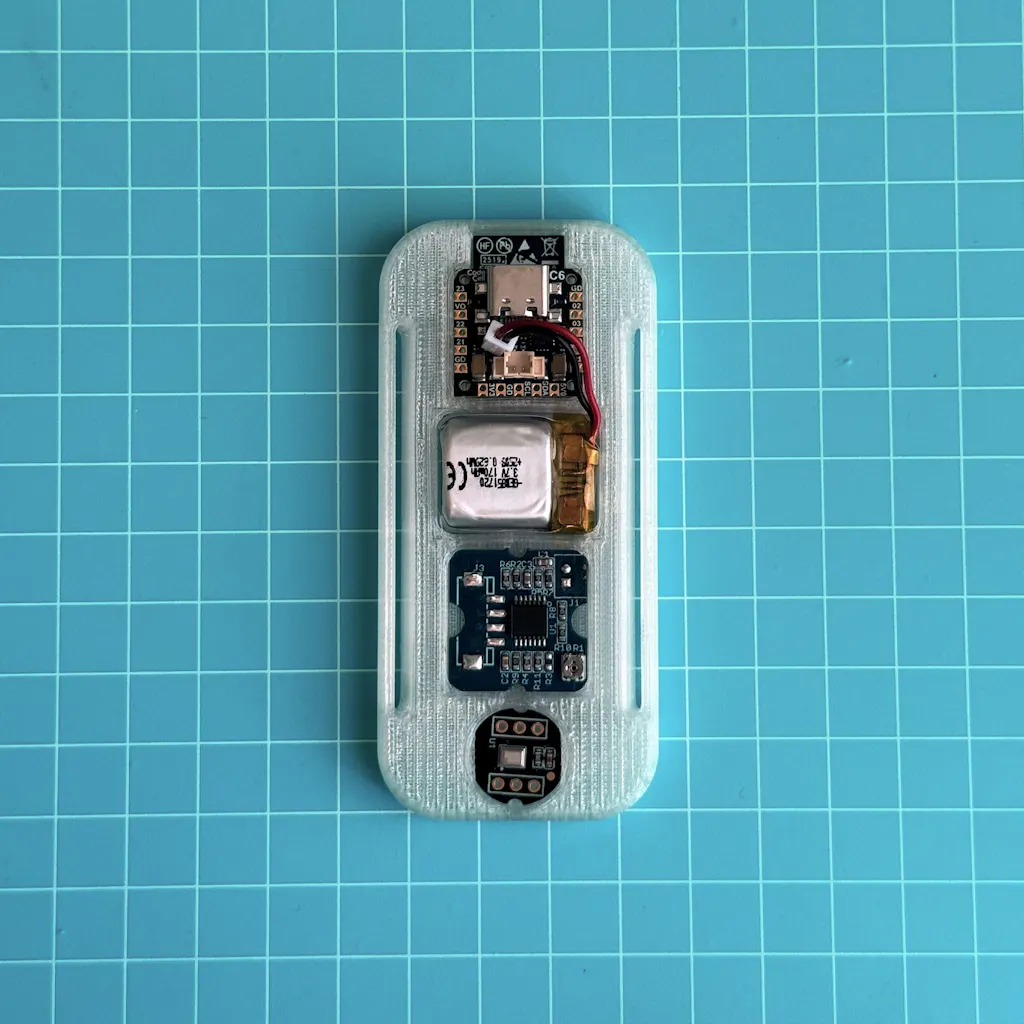
Been testing the Microbots CodeCell C6 and honestly impressed with how much functionality they packed into such a tiny module. Great form factor for rapid prototyping wearable/embedded sensing applications. ESP32-C6 + IMU integration makes development much easier compared to building everything from scratch.

Still exploring battery optimization and compact LiPo options for our use case, but overall the platform is promising for low-cost real-time sensing systems. Excited to keep building with it.
F
CodeCell C6
Francisco Estivallet

Amazing hardware, my go to for compact projects.

User picture
123