
Menu
Microbots
0
  • Learn
    • Getting Started
    • Maker Builds
    • Education
  • Shop
    • ProtoBot
    • Modules & Parts
    • Tools & Gears
    • Coming Soon
  • About
    • Our Story
    • Reach Out
    • FAQs
  • Sign in
  • English
  • Your Cart is Empty
Microbots
  • Learn
    • Getting Started
    • Maker Builds
    • Education
  • Shop
    • ProtoBot
    • Modules & Parts
    • Tools & Gears
    • Coming Soon
  • About
    • Our Story
    • Reach Out
    • FAQs
  • Language

  • 0 0

How does a PCB Motor work?

A PCB motor is an innovative solution that integrates the motor's mechanics into the electronic components, using the PCB itself as the structure of the motor.

What is a PCB Motor?

A PCB motor is a unique type of motor that uses the copper traces on a printed circuit board (PCB) to create a magnetic field that drives the motor. This concept is inspired by how radio systems use PCB traces as antennas. The same principle is applied to generate a magnetic field strong enough to turn a rotor. This type of motor is known as an axial flux brushless motor, where the PCB stator and the rotor are aligned in parallel.

The Design and Construction of a PCB Motor
The first step in creating a PCB motor is designing the PCB stator coils. In traditional motors, these coils are often made from wire wound into dense, three-dimensional shapes. In a PCB motor, the coils are instead manufactured as flat spiral traces printed onto the layers of a PCB.

One of the challenging aspects of these planar motors is fitting enough turns in the small space available to generate sufficient magnetic flux. These coils have to be connected in a star or delta configuration to create a 3-phase system. In our 6-slotted star-configured MotorCell design, we were able to stack the coils on four layers, utilizing two additional layers for the controller, to produce the required magnetic field to spin the rotor.

Over the years, we have also learned that the design of the rotor is crucial for improving the motor's efficiency. It is important to use high-quality ceramic ball bearings and to align the bearings precisely to achieve the optimal mechanical solution. This typically requires specialized tools, so we also offer the MotorCell 's rotor individually, allowing you to easily integrate it with your custom PCB.

Achieving Synchronization in the PCB Motor
One of the most critical aspects of driving a brushless motor is ensuring that the rotor stays in sync with the stator's electromagnetic field. In traditional motors with brushes, synchronization is mechanically managed by the brushes themselves. However, in a three-phase brushless motor like a PCB motor, sensory feedback is necessary to keep the motor running smoothly.

Back EMF is typically used as feedback to control the motor's speed. Back EMF is the voltage generated by the spinning motor itself, which can be measured to determine the rotor’s speed. This information is then fed into the motor’s control electronics, ensuring that the stator coils are driven in sync with the rotor's motion. For the MotorCell, all of this is handled directly by the onboard chip, simplifying the process.


PCB Motor Visualisation by Electromag Nodes

  • Share:

Follow

Github

  • About
  • Software
  • Education
  • Contact
  • FAQs
  • Terms
  • Refund Policy
  • Privacy Policy

Join our Community ~ Be the first to know about new products and get exciting deals!

© 2026 Microbots.

★ Reviews

Let customers speak for us

68 reviews
Write a review
84%
(57)
6%
(4)
3%
(2)
3%
(2)
4%
(3)
63
21
C
CodeCell C3
Cloke74

Great piece of kit, had just what i needed to complete the project i had in mind. Shame shipping to the UK is so expensive, but appreciate this isn’t necessarily in the hands of MicroBots

A
CodeCell C6
Anonymous

I had an issue, got a red light, I used too much flux. Support said clean it, then the one sensor worked fine. I got the help and answer same day I provided a foto.
A
CodeCell C6 Drive
Anonymous

I think this is the best of the ESP offered, most versatile.

User picture
P
CodeCell C6
Prudhvi tej Chinimilli

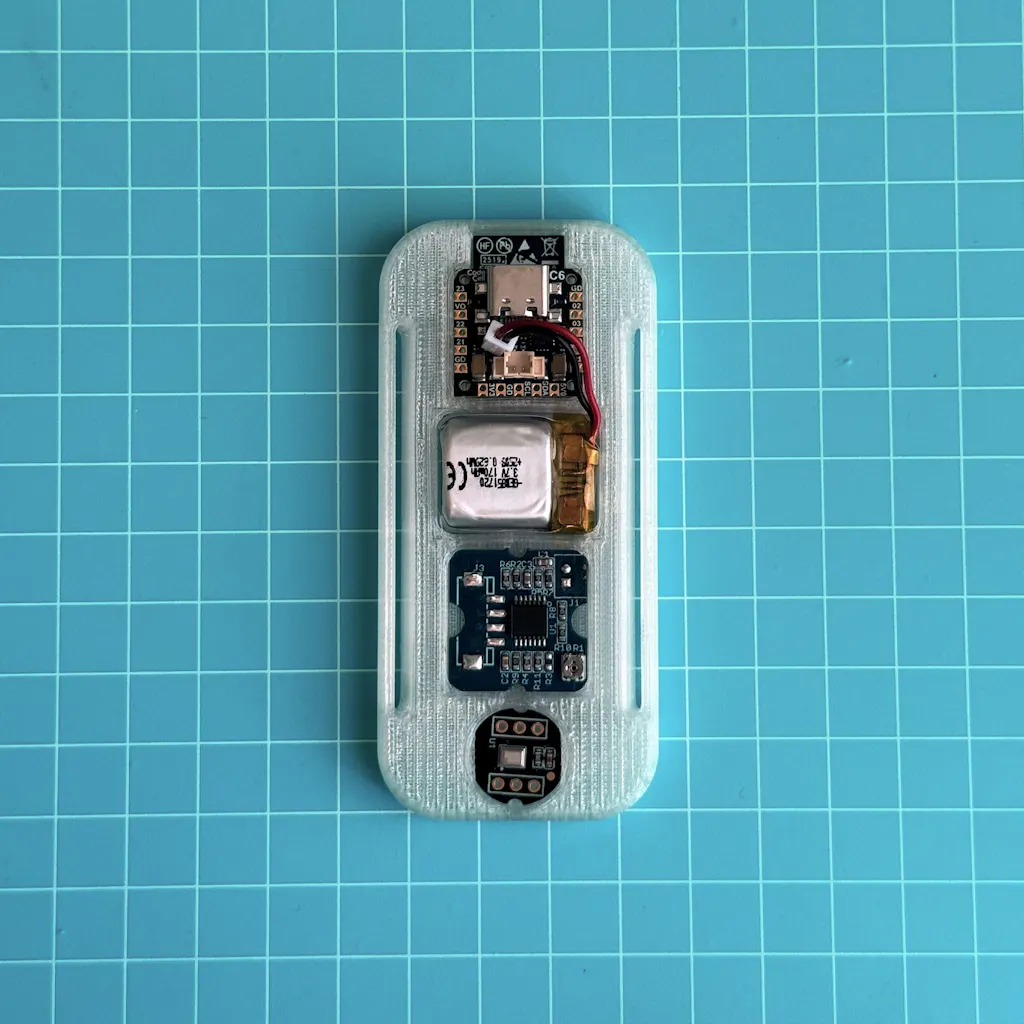
Been testing the Microbots CodeCell C6 and honestly impressed with how much functionality they packed into such a tiny module. Great form factor for rapid prototyping wearable/embedded sensing applications. ESP32-C6 + IMU integration makes development much easier compared to building everything from scratch.

Still exploring battery optimization and compact LiPo options for our use case, but overall the platform is promising for low-cost real-time sensing systems. Excited to keep building with it.
F
CodeCell C6
Francisco Estivallet

Amazing hardware, my go to for compact projects.

User picture
123