Build Your Own Smart Mini Robot

A tiny modular platform to prototype, experiment, and learn robotics - with real sensing, control, and customization!

BUILD DRIVECONTROL CUSTOMIZE LEARN
ProtoBot

| /

Designed for anyone excited about building robots! Bring your bot to life using the build-guide, then control it with your phone, automate it, or even customize with open-source examples

Notify me when this product is available:

Kit Level:
Description ProtoBot Description Section

ProtoBot is a smart, palm-sized educational robot designed to teach practical robotics through hands-on building and programming. It combines mechanical assembly, embedded electronics, sensors, and software into a compact system that learners can fully understand, modify, and extend. Offered in two kit-levels, it is accessible for everyone, from curious students to experienced makers.

What You’ll Build & Explore:

  • Assemble a fully working robot with motors, wheels, sensors, and lights
  • Control your ProtoBot using the free educational MicroLink App, available on both Android or iOS devices, featuring:
    • Drive & Rewind: Control it with a joystick or retrace your path
    • Shape & Automate: Use code-blocks to automate and make ProtoBot draw shapes or run custom actions
    • Dodge & Avoid: Let it react to obstacles using its built-in proximity-sensors
    • Sense & Balance: Watch how it uses 9-axis sensor to balance for a few seconds, and compass to steer and even drive in patterns
    • Record: Attach external I²C sensors (like temp, humidity, etc.) and log real-time data via the app
  • Learn & Hack: Expand ProtoBot with external modules or code your own behaviors using the Arduino library

Made for Makers by Makers

ProtoBot’s software-library, body and accessories are open-source. You can 3D-print the shell at home with your-favorite colors, or modify the files to design new add-ons. The included breadboard lets you attach extra I²C sensors, displays, chargers, or your own circuits - turning ProtoBot into a tiny, powerful playground for learning and experimentation. Want to go further? ProtoBot also includes an optional Arduino library with ready-to-run examples so you can create your own behaviors, read sensors, activate lights, and program your own missions.

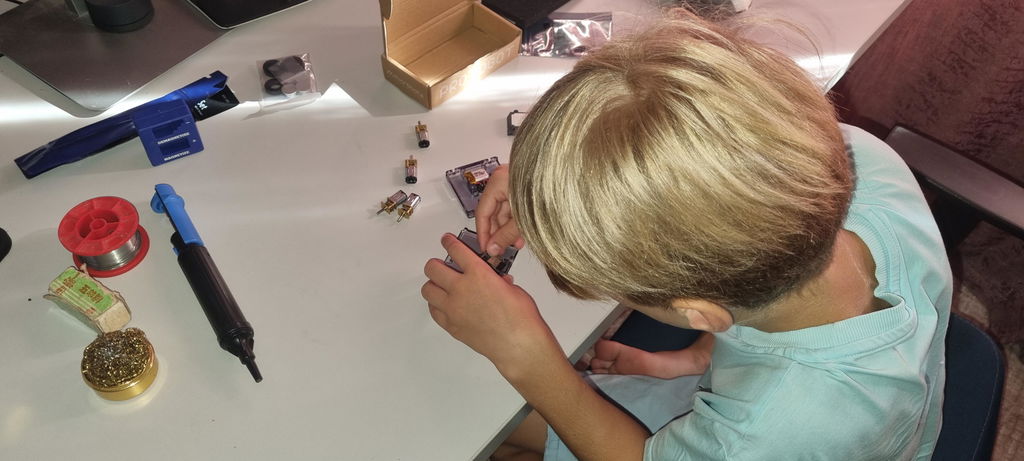
ProtoBot is made to support your learning journey - from building and assembling your robot to soldering, coding, and experimenting with real sensors and hardware.

Specifications ProtoBot Specifications
ProtoBot Image
  • App: Android/iOS
  • Dimensions: 6.3 cm x 7.5 cm x 2.3 cm (2.48 in × 2.95 in × 0.91 in)
  • Weight: 92grams (3.24 ounces)
  • Maximum Speed: 26cm/s (0.85 ft/s)
  • Maximum Payload: ≈2 kg on smooth flat surfaces
  • Antenna Range: ≈40 meters (≈ 131 ft)
  • Charging Time: ≈2 hours (from 0% to 100%)
  • Battery Life: ≈35min running at Maximum Speed
  • Processor: CodeCell C6 Drive (32-bit 8MB ESP32-C6)
3D Model

What's Inside?
DIY PRO EDITION

DIY PRO EDITION

Best for: Makers who want full customization - 3D print the robot in their own colors and materials, and build it from scratch with hands-on soldering

Includes:

  • CodeCell C6 Drive with Built-In Light/Proximity Sensing and 9-Axis Motion Sensing
  • Flexible PCB that Connects Motors, Adds RGB Eye Lights, and Front Proximity Sensing — No Messy Wires
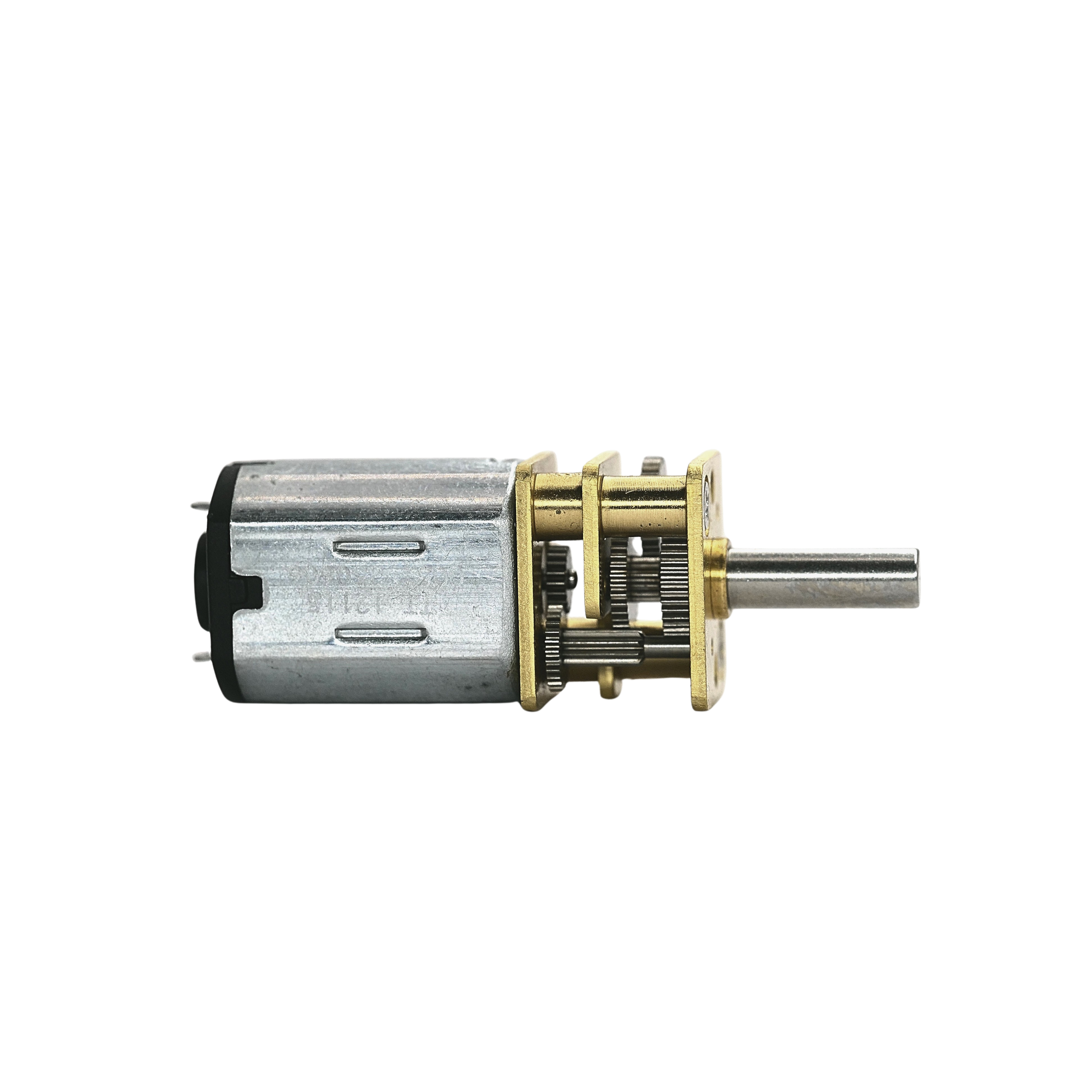
  • 4 × N20 Motors with Aluminium Wheels and Grippy Silicone Tyres
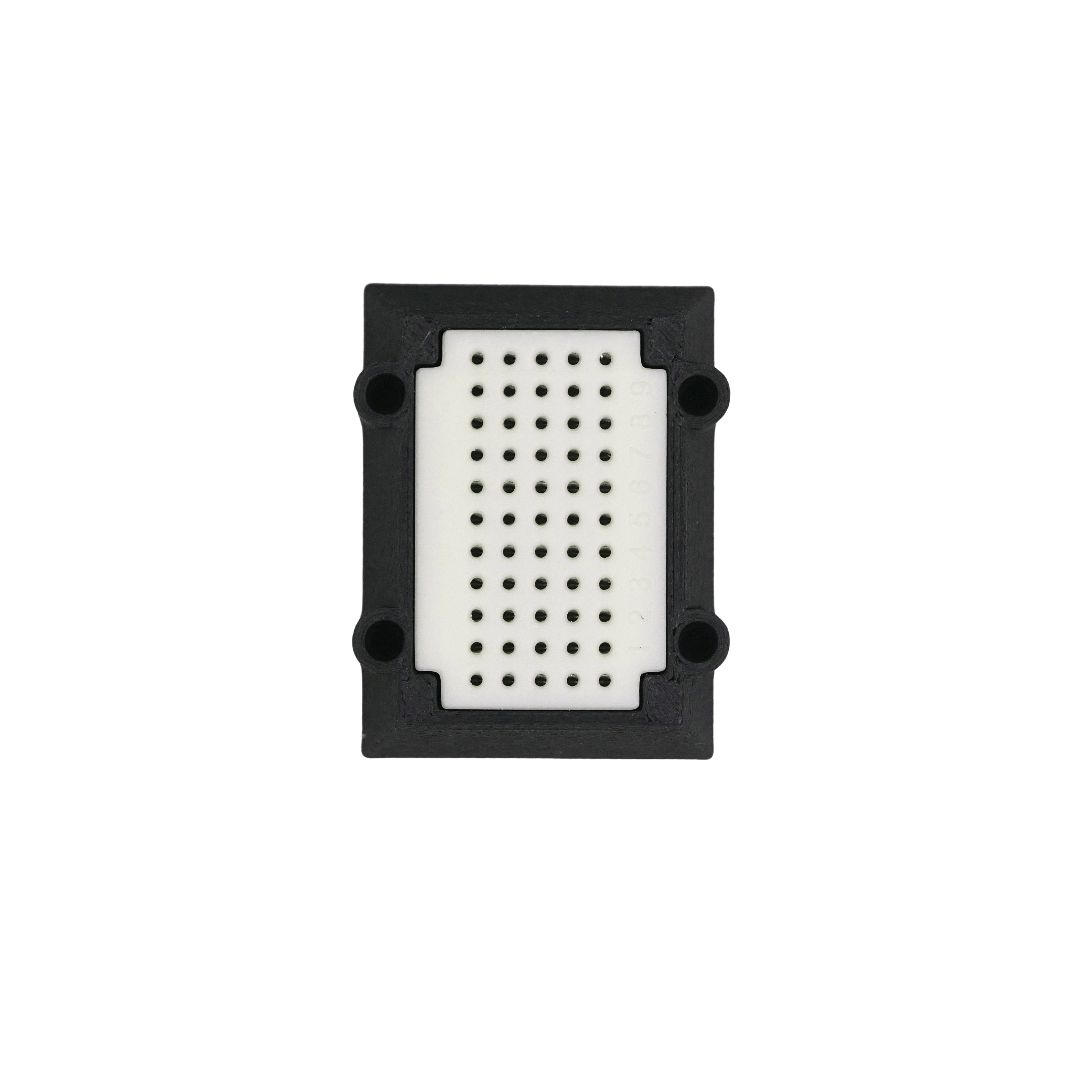
  • Breadboard Mount for Expanding with Extra Sensors
  • All Required Screws + Free Screwdriver

Tools Required:

  • 3D Printer (to print your own robot shell)
  • Soldering Iron
  • Tweezers (for handling tiny parts)
PRO EDITION

PRO EDITION

Best for: Makers who enjoy a bit of soldering and want to build the robot from scratch

Includes:

  • CodeCell C6 Drive with Built-In Light/Proximity Sensing and 9-Axis Motion Sensing
  • Flexible PCB that Connects Motors, Adds RGB Eye Lights, and Front Proximity Sensing — No Messy Wires
  • 4 × N20 Motors with Aluminium Wheels and Grippy Silicone Tyres
  • Breadboard Mount for Expanding with Extra Sensors
  • Transparent Robot Shell to House Your Build
  • All Required Screws + Free Screwdriver

Tools Required:

  • Soldering Iron
  • Tweezers (for handling tiny parts)
BEGINNER EDITION

BEGINNER EDITION

Best for: Anyone who wants to skip soldering and start controlling the robot right away

Includes:

  • Fully Assembled and Pre-Soldered Electronics Inside a Transparent Shell
  • 4 × Aluminium Wheels with Grippy Silicone Tyres
  • Breadboard Mount for Adding Extra Sensors
  • All Required Screws + Free Screwdriver

Tools Required:

  • None - Just Screw on Wheels, Power On and Start Building
Frequently Asked Questions CodeCell FAQs
How we ship your ProtoBot?

We ship ProtoBot from Malta, Europe. Since it includes a small 170mAh 20C LiPo battery, it must be sent via FedEx or DHL in line with worldwide battery-shipping-regulations. This may increase the shipping cost, but it ensures fast, reliable delivery. You’re welcome to add other items to the same shipment to make the most of it. We truly appreciate your understanding 😊

What ages is it suitable for?

ProtoBot comes as a fun maker-kit that you can transform into a cool pocket-size robot. The kit itself is designed for curious minds of all ages - Younger kids can join in too with a little help from an adult, especially when using the app. The robot comes with an easy-to-use educational App and for those interested, clear Arduino examples that make coding simple for beginners.

The Pro kit includes some soldering, so children under 12-years should only build it with adult supervision. The Beginner kit is recommended for younger makers, as it comes pre-soldered and only requires simple assembly. Please note that the kit contains small parts, including a LiPo battery and screws, which may pose a choking hazard and must be kept out of reach of young children

How to update the Software?

ProtoBot works seamlessly with our MicroLink App, letting you control it and also update its firmware whenever a new version is released. But for those who want to dive deeper and customize its behavior, you can install the ProtoBot Arduino library - just follow the installation steps in our User-Guide. We are continuously updating and adding new features to this library, so make sure you're using the latest version.

Is it Maker-Friendly?

ProtoBot is designed with makers in mind! Its shell and accessories can be 3D printed at your home, and you can expand its capabilities by adding more I2C sensors, displays, or other electronics using the breadboard attachment. This lets you customize your robot, make it smarter, and adapt it to your own projects. It also comes with an open-source Arduino library built around our tiny CodeCell module (also available separately in our store), making upgrades and part replacements easy.

Inside the box, you’ll find all the robot parts along with step-by-step instructions to guide you through the fun build.

Can I 3D print ProtoBot and customize its design?

Yes - ProtoBot can be 3D printed, and all files are available here. If you order the DIY Pro Edition, you can print it in any material or color you prefer. A small tip: keep the eye area in a light shade so the LED light can shine through clearly. If multi-color printing isn’t possible, we recommend printing the robot in white or light gray so eye-notifications remain visible. We also provide open-source models for wheels and tracks. That said, the included aluminium hubs with grippy silicone tyres offer the best performance on most surfaces.

Packed with Smart Sensing

Palm-size robot that senses, reacts, and interacts in real time

APP

Smart Control

Packed with Sensors & Bluetooth control with the free MicroLink mobile app for Android and iOS

Get Inspired
PROJECTS

Hands-On Learning

ProtoBot isn’t just fun to build, it also makes coding easy by automating action blocks

MicroLink
Libraries

Open-Source Software

Dive even deeper and code your ProtoBot with our Arduino libraries and easy-to-follow examples.

Learn More

Customizable for Every Mission

Open-source examples to customize, test, and build

Reactive Eyes
Reactive Eyes
CodeCell Joystick
CodeCell Joystick
CyberCar
CyberCar
Mouse Mount
Mouse Mount
Tank Tracks
Tank Tracks
Insta360 Camera Mount
Pen-Marker Mount
Pen-Marker Mount
Leg-Wheels
Leg-Wheels
Thermal Camera
Thermal Camera
Scrolling Message
Scrolling Message
Flag Mount
Flag Mount
Joystick
Joystick
Humidity Sensing
Humidity Sensing
Air Quality Sensing
Air Quality Sensing
Maker Modules

Made for Makers🪛

Built with replaceable parts - Modules available separately, designed for repair, upgrades, and long-term use!